


Important information:
Am 10. April 2024 wurden das Kundenportal sowie der Web-Zugriff auf das Kartenkonto eingestellt. Bitte laden Sie die Swiss Bankers App herunter, um weiterhin uneingeschränkten Zugriff auf alle Dienste zu haben.
Are you a Swiss Bankers sales partner?
Hier geht es zum Partnerportal.
Just a few clicks, and the parcel is on your doorstep: online shopping is convenient. But between adding items to your basket and making payment, it’s easy to overlook something – such as unexpected additional costs, unclear returns policies or a suspicious payment request. Especially in the run-up to Christmas, when there’s a particularly high volume of orders, it’s worth taking a closer look. We’ll show you what to look out for before, during and after your online shopping to better protect your money and your personal details.
 06.11.2026
 Miryana
Contents:
You come across an interesting offer on a major online marketplace or via an advert on social media. At first glance, everything looks trustworthy. But who is actually behind the offer?
There are two things you should check before placing an order:
If you’re buying from an unknown seller for the first time, it’s worth doing some extra checking. To find out which warning signs point to fraud and how to spot a suspicious shop, read our article ‘Fake shops: How to protect yourself when shopping online’.
You’ve found the perfect gift and the price is right – but just as you’re about to pay, additional costs suddenly appear. Particularly when ordering from abroad, what seems like a bargain can quickly turn into a more expensive affair.
It’s worth doing a quick check before you buy:
Your shopping basket is full; all that’s left is to pay. But which payment method is the safest? Especially when ordering from an online shop for the first time, it’s worth taking a closer look at the available options.
These payment methods have different advantages and disadvantages:
When making a payment, also ensure you are using an encrypted connection. You can recognise this by the ‘https’ in the web address. Whilst this protects data transmission, it is not in itself proof that the shop is reputable. Many online shops offer to save your card details for your next purchase. With retailers you use only rarely, you can choose not to do this and simply re-enter the details when needed.
Protecting your customer account and devices: Your customer account also deserves some attention. Use a separate, secure password for each online shop and, where possible, enable two-factor authentication. Also, keep your browser and smartphone up to date. For shopping and payments, it is advisable to use a secure internet connection rather than an open public Wi-Fi network.
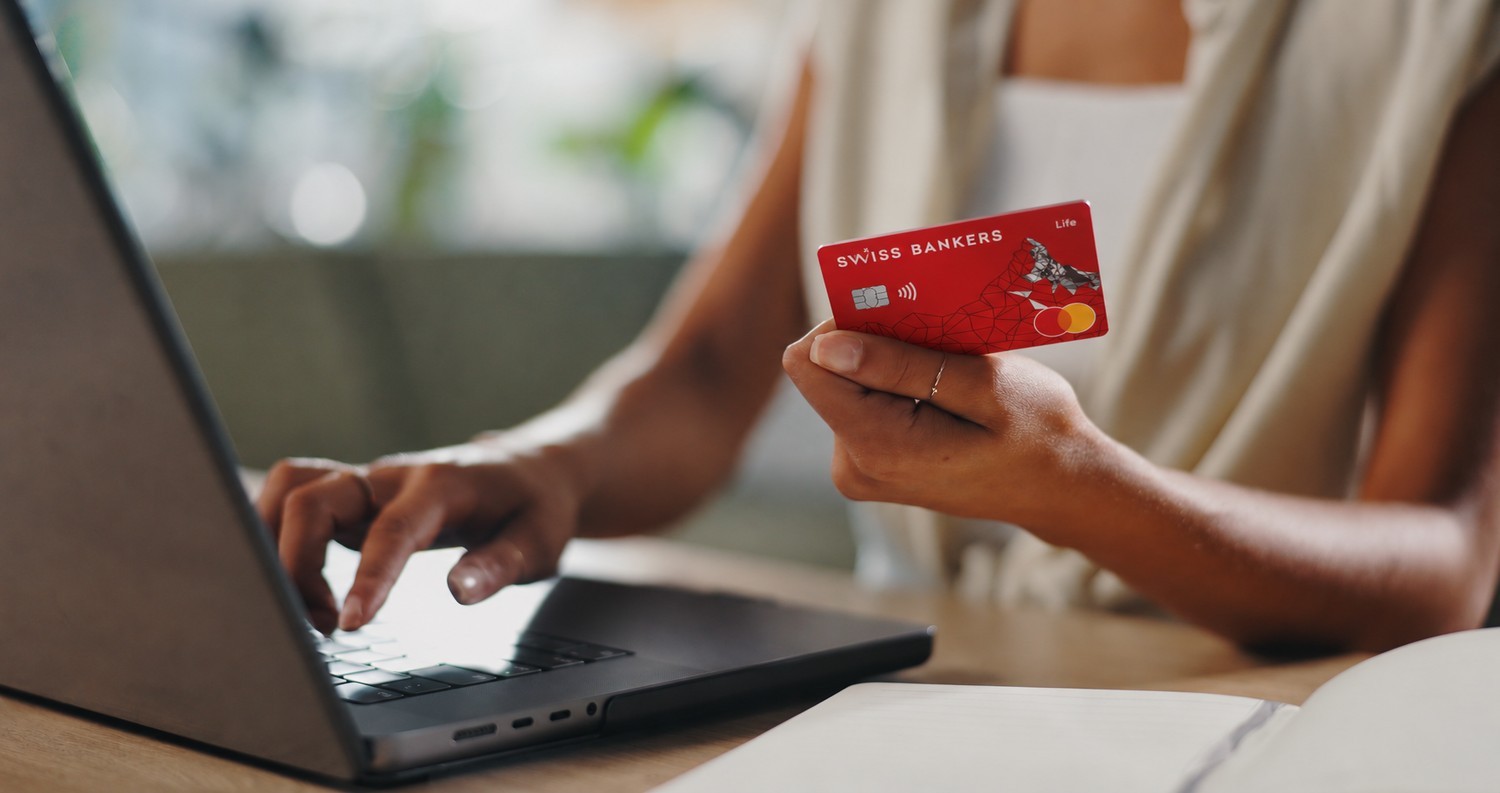
You’ve entered your card details and are ready to complete your purchase. Suddenly, a prompt appears on your smartphone asking you to confirm the payment. What’s behind this?
With Swiss Bankers, Mastercard Identity Check provides extra security. For online purchases that are protected in this way, you must authorise the payment in the Swiss Bankers app. This checks whether you have access to your smartphone and can log in to the app. This makes it more difficult for fraudsters to make purchases using only stolen card details.
What should you look out for? Before authorising any payment, check the amount shown and the retailer. If you receive a payment request even though you haven’t ordered anything, do not confirm it under any circumstances.
The security settings in the Swiss Bankers app can also help. If you do not currently need your card for online purchases, you can temporarily disable online payments and re-enable them when required.
Good to know: Mastercard Identity Check is automatically activated as soon as you add your Swiss Bankers card to the app. Whether additional confirmation is required for a purchase depends on the online shop in question.
You’ve placed your order and are now waiting for your parcel. But suddenly you receive a text message: ‘Your delivery could not be made. Please pay CHF 2.50 for a new delivery attempt.” It sounds harmless, but it could be a scam. Criminals use messages like this to try and get hold of your card or personal details.
It’s worth staying vigilant even after you’ve made your purchase:
You can find out more about fraudulent parcel messages in our article ‘Smishing: How to protect yourself from fraudulent text messages’.
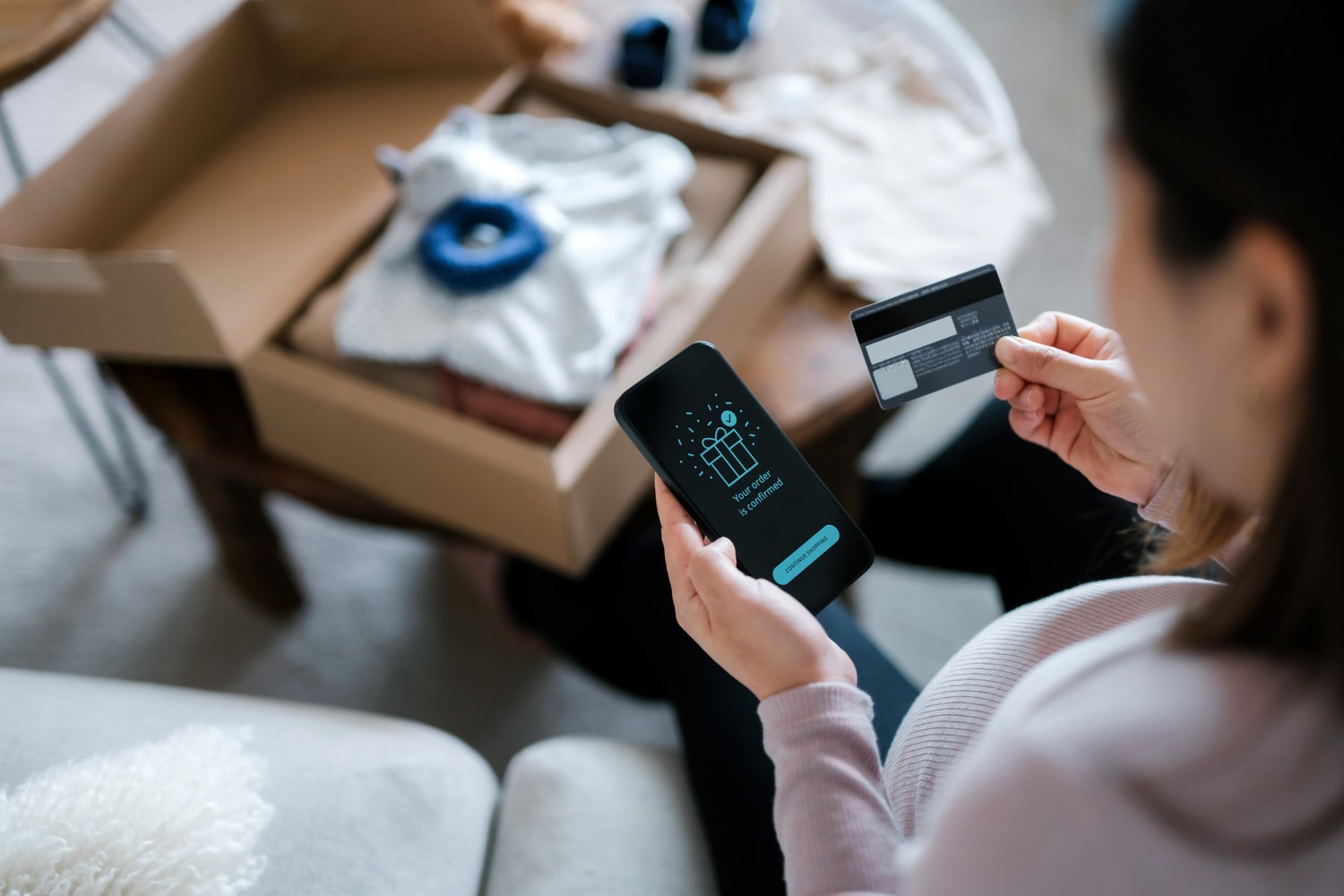
You’re checking your card statements and spot a charge you can’t recognise. Is this a sign of fraud? Not necessarily. Sometimes an online shop may appear on your statement under a different merchant name. Nevertheless, you shouldn’t simply ignore an unknown payment.
These steps will help you:
If you have also entered passwords on a suspicious website, you should change them for any other affected accounts as well. In the event of fraud, you can also report the matter to the police and notify the Federal Office for Cyber Security (NCSC) of the incident.
When shopping online, it’s worth taking a closer look before you pay. Keep four things in mind: check the retailer, check the total price, choose a secure payment method and act immediately if you suspect fraud. This will help you avoid many unpleasant surprises – and you can approach your next online purchase with greater peace of mind.

© Swiss Bankers 2026


 Compare cards and conditions

