


Important information:
Am 10. April 2024 wurden das Kundenportal sowie der Web-Zugriff auf das Kartenkonto eingestellt. Bitte laden Sie die Swiss Bankers App herunter, um weiterhin uneingeschränkten Zugriff auf alle Dienste zu haben.
Are you a Swiss Bankers sales partner?
Hier geht es zum Partnerportal.
A film night with Netflix, more storage space for your holiday photos or a few extra features in your favourite app – a few francs here, a small amount there. But do you still know which digital services are regularly charged to your card? Free trial subscriptions, automatic renewals and small in-app purchases can really add up over time. We’ll show you how to avoid hidden costs, pay securely and keep your spending under control.
 10.11.2026
 Miryana
A new smartphone game, a music subscription or extra features for an app – digital services come in many forms. But whilst some purchases are a one-off expense, others result in regular debits.
You should distinguish between these types of costs:
Good to know: The name of the service you’ve purchased does not always appear on your card statement. For payments made via Apple or Google Play, the respective platform may be listed instead.
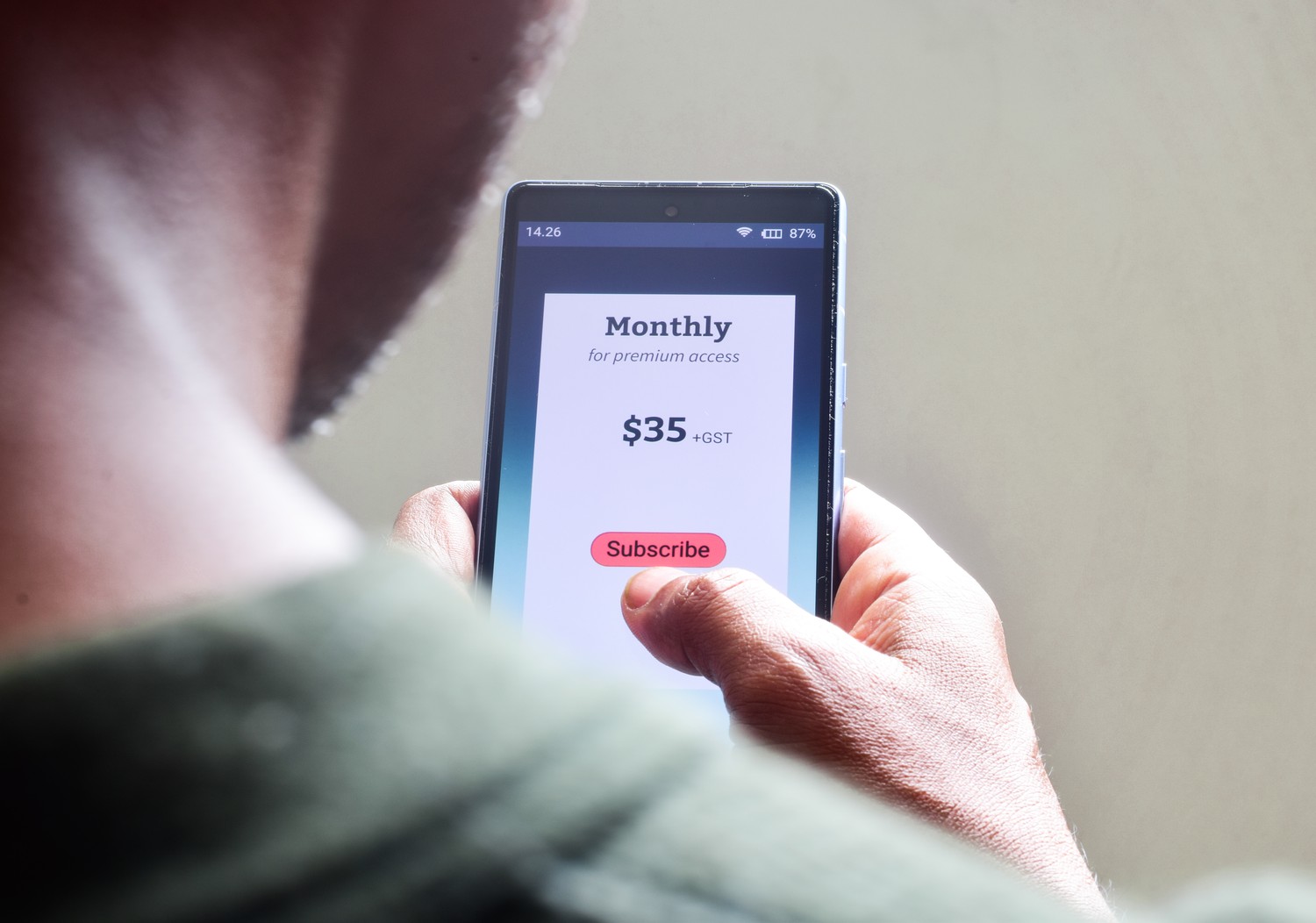
Signing up for a free trial subscription is quick and easy: simply register, enter your payment details and you’re ready to go. The surprise sometimes doesn’t come until weeks later, when the standard price is suddenly debited.
So take a closer look before signing up: how long does the trial period last, how much does the subscription cost afterwards, and by when do you need to cancel? Also check whether the service is billed monthly or for a whole year in one go.
The easiest way is to note the end of the trial period in your calendar straight away – with a reminder set a few days beforehand. That way, you can decide in good time whether you want to continue using the service.
A digital purchase can be completed in just a few clicks. This makes it all the more important to check, before authorising the payment, who the payment is going to and what amount is actually due.
Follow these tips to make your payments more secure:
In the Swiss Bankers app, you can disable online payments if required and re-enable them later. Please note, however, that this may also result in payments for ongoing online subscriptions being declined.
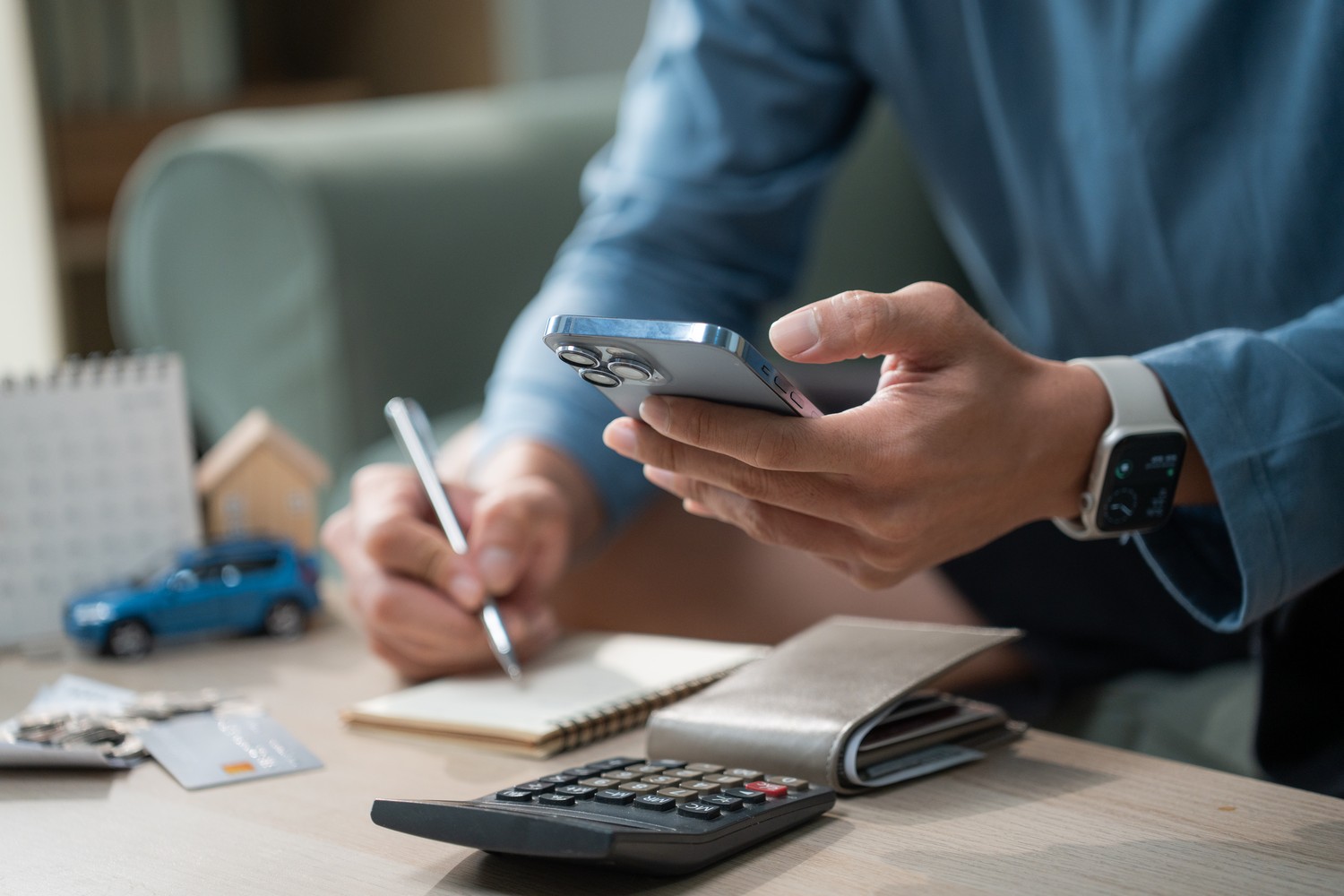
CHF 12.90 for music streaming and CHF 2.90 for extra storage space – that’s CHF 15.80 a month or just under CHF 190 a year. On top of that, you might have an app you hardly ever use. What seems like a small amount individually can really add up over the months.
So make sure you regularly check your active subscriptions and card transactions. You’ll find the subscriptions you’ve taken out via these platforms in your Apple or Google account. Don’t forget about services you’ve signed up for directly with the provider either.
With push notifications from the Swiss Bankers app, you can spot card transactions as they happen. Also, keep an eye out for notifications about price increases.
A quick subscription check every few months is often enough to spot unused services and unnecessary expenditure.

Where you cancel a subscription depends on where you took it out. Depending on the provider, you can do this directly in the app, via Apple or Google Play, or on the service’s website.
Here’s how to find and cancel your subscriptions:
Menu labels may vary slightly depending on your device and software version.
In the event of an accidental one-off purchase, such as an app or in-app content, you may, under certain conditions, request a refund from Apple or Google Play. Whether this is granted depends on the specific purchase and the applicable terms and conditions.
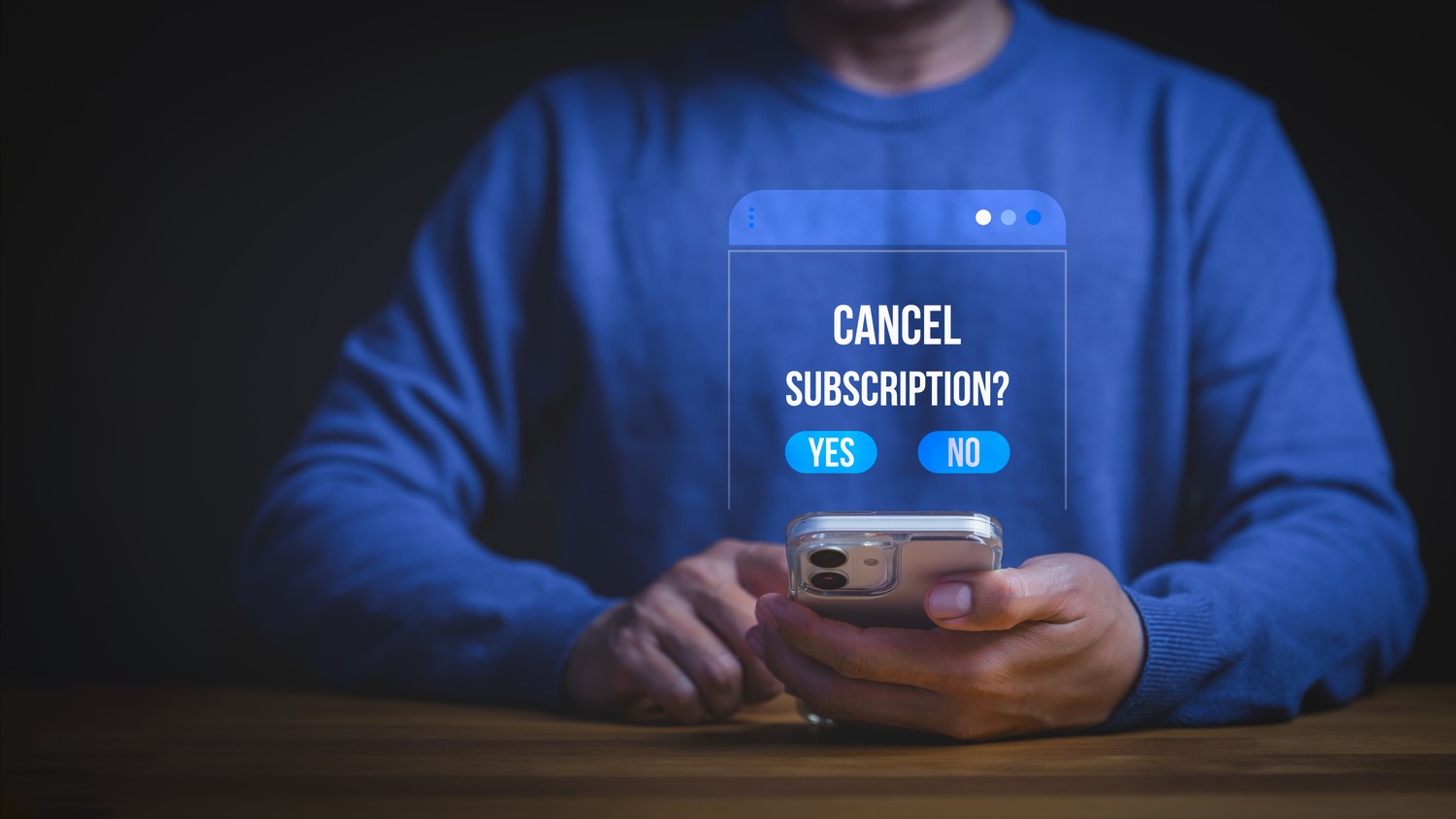
Please note: Deleting an app or blocking your payment card does not cancel an active subscription. Cancel your subscription directly with the relevant provider and keep the confirmation.
Your card statement shows a charge of CHF 14.90 that you cannot identify. This could be due to a forgotten subscription, an automatic renewal or an unauthorised payment. Not every unknown charge is necessarily fraud. Nevertheless, you should look into it.
Here’s how to find out where the payment came from:
Important: If you suspect that your card details have been stolen, you should act immediately. Use the ‘Replace card’ function in the Swiss Bankers app under ‘Card settings & PIN’. This will block the affected card and initiate the replacement process. If this is not possible, contact Swiss Bankers customer service immediately.

Whether it’s an app purchase, a trial subscription or a monthly streaming service: if you check your digital payments regularly, you’ll usually spot unnecessary costs quickly. It doesn’t take much time or involve complicated budget planning.
Take ten minutes today: open your subscription overview on Apple or Google, check any subscriptions you’ve taken out directly, and cancel anything you no longer need.

© Swiss Bankers 2026


 Compare cards and conditions

