


Important information:
Am 10. April 2024 wurden das Kundenportal sowie der Web-Zugriff auf das Kartenkonto eingestellt. Bitte laden Sie die Swiss Bankers App herunter, um weiterhin uneingeschränkten Zugriff auf alle Dienste zu haben.
Are you a Swiss Bankers sales partner?
Hier geht es zum Partnerportal.
Whether you’re shopping at the supermarket, eating out at a restaurant or travelling: contactless payments have long been part of everyday life. Instead of inserting your card into the terminal, all you need to do is hold it briefly in front of it. But how does the technology behind it work, when is a PIN required, and how secure is the process? Find out what you should bear in mind when making contactless payments with your Swiss Bankers card.
 10.11.2026
 Eliza
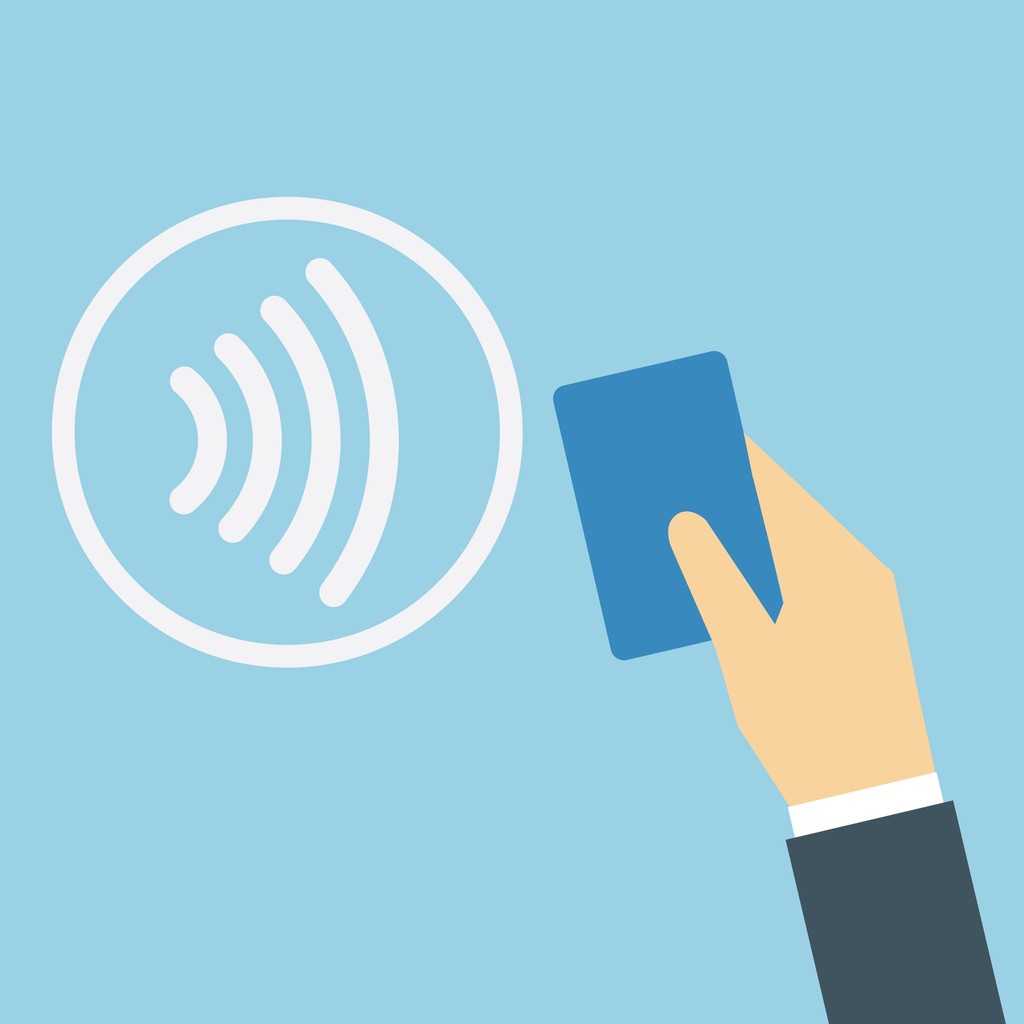
Photo: You can tell whether you can make a contactless payment by looking for the corresponding symbol – four curved lines – on your card and on the payment terminal.
At the supermarket checkout, at the bakery or in a restaurant: contactless payments take just a few seconds. This is made possible by NFC (Near Field Communication) technology. It enables wireless data exchange between your card and the payment terminal over a very short distance.
You can tell whether you can pay contactlessly by looking for the corresponding symbol – four curved lines – on your card and on the payment terminal.
Here’s how the payment works:
Check the amount: Check the amount displayed on the payment terminal.
Hold up your card: Hold your Swiss Bankers card a few centimetres in front of the contactless symbol.
Wait for confirmation: A beep or a message on the screen confirms that the payment has been processed.
You do not need to insert your card or swipe it through a reader. This is only possible if the shop supports contactless payments and your card is enabled for this feature.
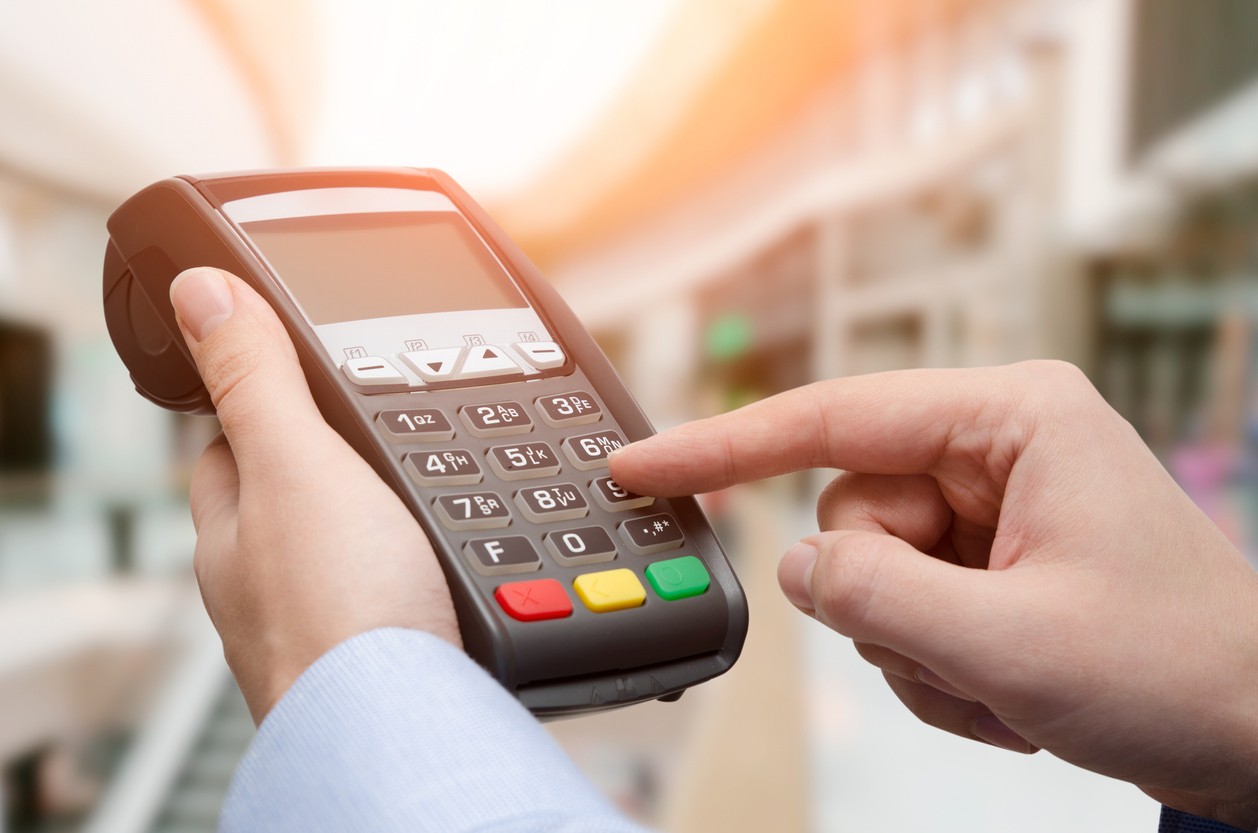
Photo: Contactless payment does not automatically mean you can do without your PIN – in certain cases, you will need to enter your security code.
Contactless payment does not automatically mean that you can do without a PIN. In Switzerland, contactless card payments of up to CHF 80 can generally be made without entering a PIN. For higher amounts, a PIN is generally required.
Even for smaller amounts, the payment terminal may occasionally ask for a PIN. These additional security checks are designed to make it more difficult to misuse a card.
Good to know: Different transaction limits may apply abroad. It is therefore advisable to know your PIN even if you normally pay exclusively by contactless means.
Have you forgotten your PIN? You can view or change your PIN in the Swiss Bankers app. You can find out how this works in our article ‘Your card in everyday life: PIN, limits and notifications’.
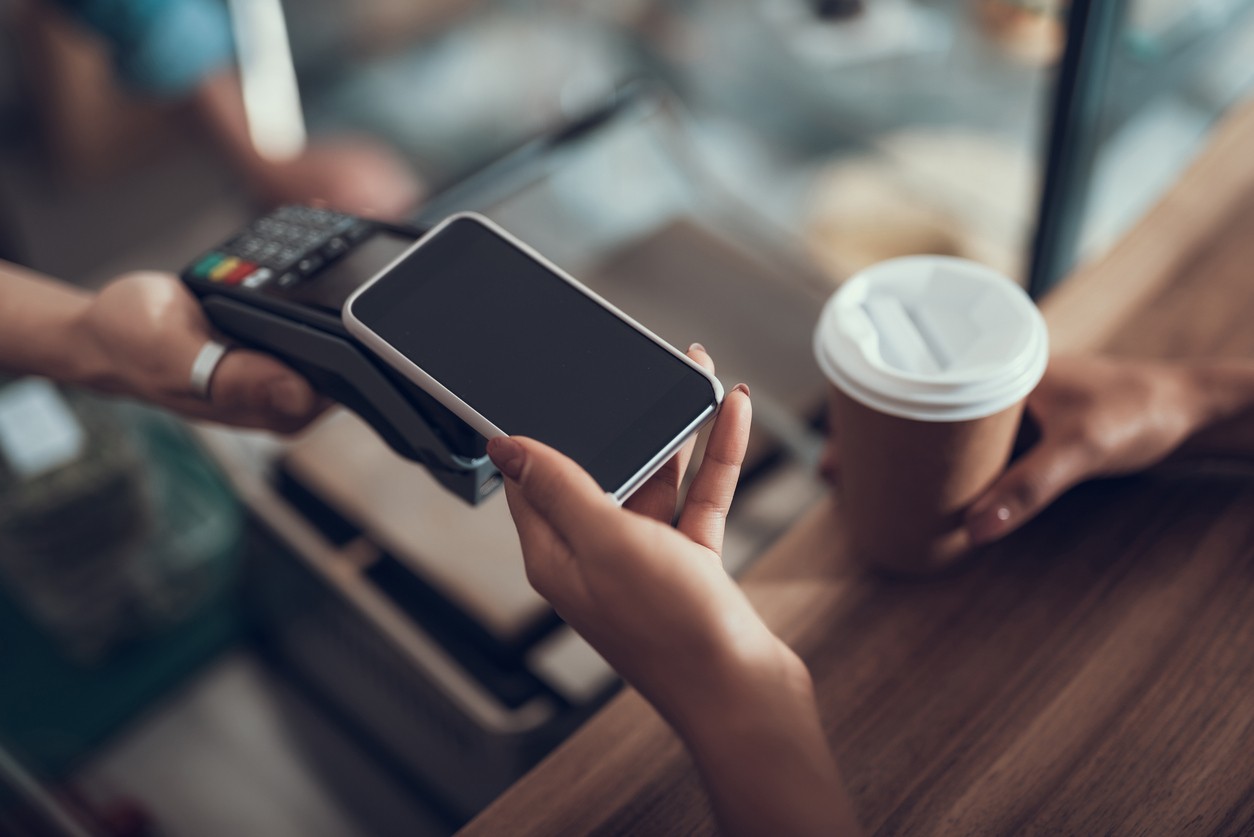
Photo: With mobile payments, you can also use your smartphone or smartwatch to make contactless payments.
Don’t want to take your card out of your wallet every time? With mobile payments, you can also use your smartphone or smartwatch to make contactless payments.
Swiss Bankers supports various mobile payment services, including Apple Pay, Google Pay, Samsung Pay, Garmin Pay and SwatchPAY!. Which solution you can use depends on your device and the type of card you hold.
Depending on the payment service, you can add your Swiss Bankers card via the Swiss Bankers app or directly to the relevant digital wallet. You’ll need an NFC-enabled device. Whilst the NFC function is automatically available on iPhones for Apple Pay, it must be enabled on Android smartphones.
You then hold your smartphone or smartwatch up to the payment terminal and confirm the payment, depending on your device and payment service.
One advantage is that with mobile payments, it is not your actual card number that is transmitted, but a secure digital identifier known as a token. This provides additional protection for your card details.
Further information on setting up the service and supported devices can be found on the Swiss Bankers mobile payments page.
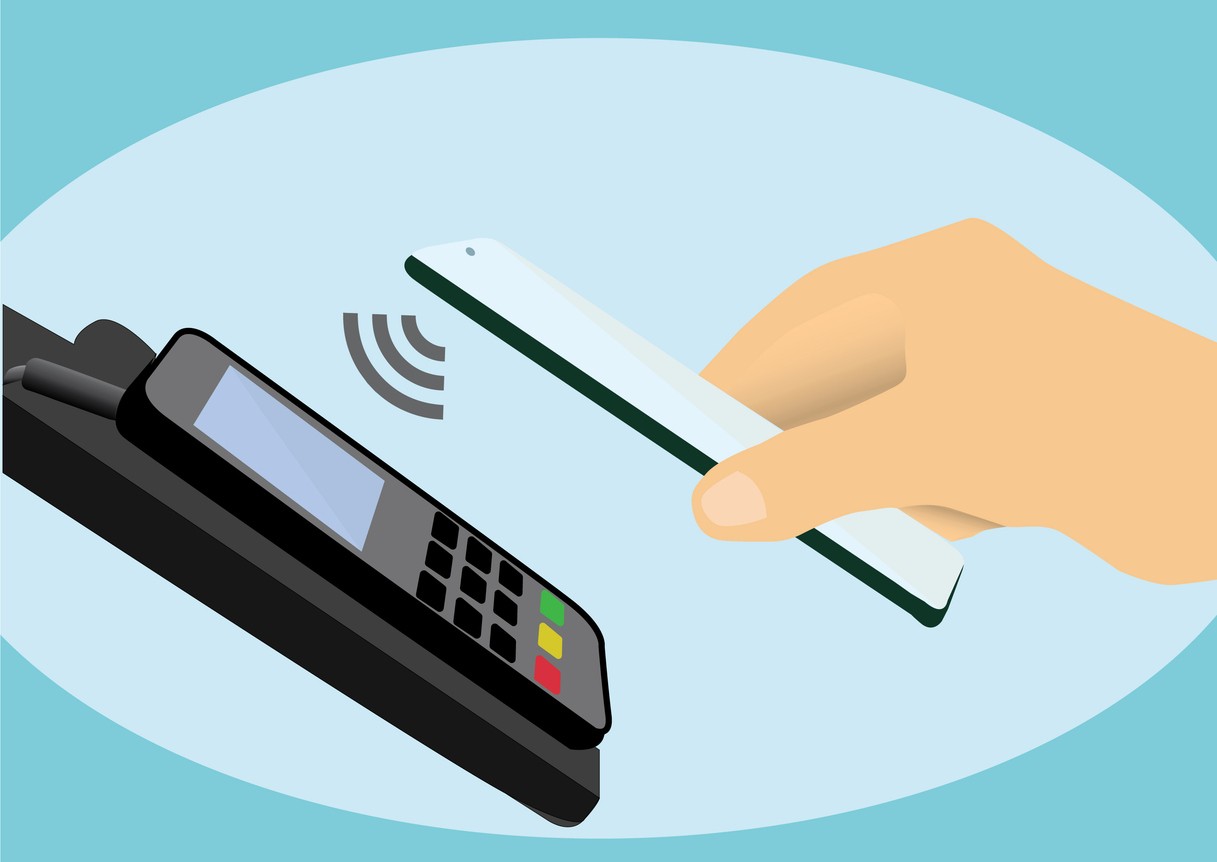
Photo: With contactless payments, various security measures ensure that your card details remain protected.
Contactless payments are generally regarded as a secure payment method. NFC technology only works over a very short distance. Furthermore, the payment data transmitted is protected by technical security mechanisms.
Nevertheless, some cardholders wonder whether fraudsters could use a mobile reader to debit money without them noticing, for example on public transport. Such attacks are theoretically possible, but in practice they involve significant obstacles. It is therefore not easy to make unauthorised debits without the cardholder noticing.
However, if your card is lost or stolen, there is a risk that someone could use it to make small payments without entering a PIN. You should therefore keep your card just as carefully as you would cash.
Additional protection with the Swiss Bankers app
In the Swiss Bankers app, you can decide for yourself whether you wish to use the contactless function:
Open the app and select your card.
Go to ‘Card settings & PIN’.
Under ‘Security’, disable or enable the contactless payment function.
You can also enable push notifications to be informed about card payments. If you spot a suspicious transaction, you should block your card immediately.
You can find further information in our articles “Paying securely with prepaid cards: benefits and security features” and “Reporting unknown charges: how to do it properly”.
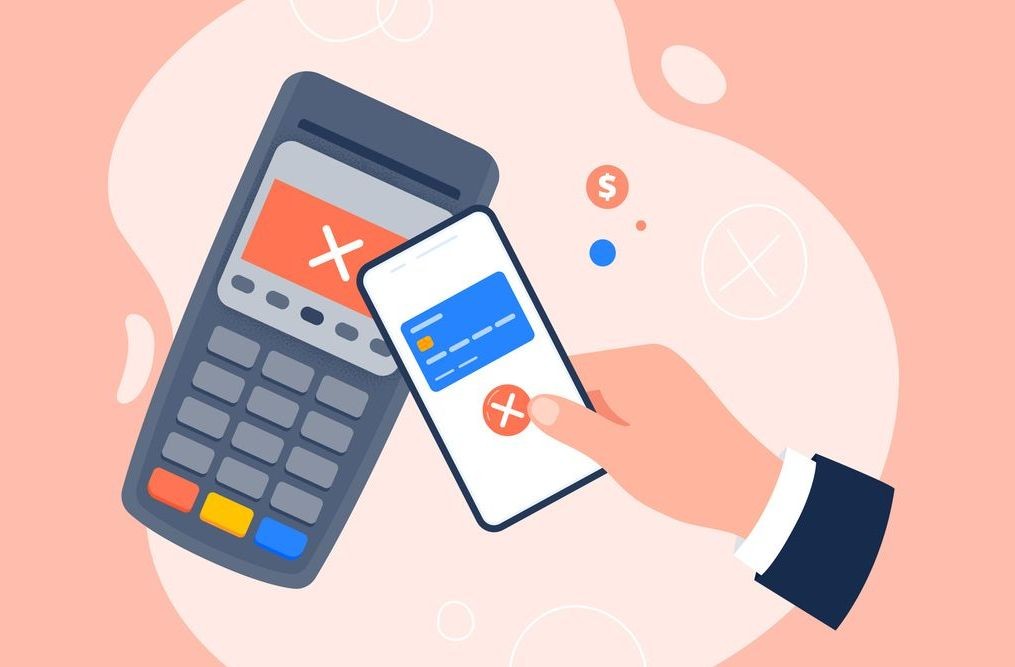
Photo: If contactless payment isn’t working, this may be due to a PIN request, card settings or technical issues.
You hold your card up to the terminal, but the payment is declined? This doesn’t necessarily mean your card is faulty. The problem can often be sorted out quickly.
The following causes are possible:
PIN required: If the terminal prompts you for a PIN, insert your card and confirm the payment with your PIN.
Contactless function deactivated: Check in the Swiss Bankers app whether contactless payments are enabled.
Insufficient balance: Check your available card balance in the app.
Technical issue: Please try again or, if possible, pay by inserting your card.
If the payment still does not work, you can contact Swiss Bankers customer service.
Travel tip: If possible, take a second payment method with you. Not every shop or payment terminal supports contactless payments. You can find further tips in our article ‘Cash, card or mobile payment: the ideal combination when travelling’.
Conclusion: Contactless payments make shopping at the till hassle-free – whether you use your Swiss Bankers card, smartphone or smartwatch. It’s important that you know your PIN, check the amount displayed and block your card immediately if it’s lost. Using the Swiss Bankers app, you can deactivate the contactless function at any time and keep track of your payments. This way, you can enjoy the benefits of this technology whilst on the move with complete peace of mind.

© Swiss Bankers 2026


 Compare cards and conditions

