


Important information:
Am 10. April 2024 wurden das Kundenportal sowie der Web-Zugriff auf das Kartenkonto eingestellt. Bitte laden Sie die Swiss Bankers App herunter, um weiterhin uneingeschränkten Zugriff auf alle Dienste zu haben.
Are you a Swiss Bankers sales partner?
Hier geht es zum Partnerportal.
A phone call, supposedly from your bank. At the same time, a payment authorisation notification appears on your smartphone. The caller claims this is to stop a suspicious debit. But that is precisely the trap: you are being asked to confirm a payment made by the fraudsters. We’ll show you how to spot push phishing and code fraud, and how to protect your online payments. The most important rule: never share security codes with third parties, and only confirm payments that you have initiated yourself.
 13.11.2026
 Miryana
You’re shopping online, enter your card details and are ready to pay. But before the order is finalised, a prompt appears on your smartphone asking you to confirm the payment. This is 3D Secure (3DS) – a security procedure designed to protect your card from unauthorised use.
Depending on your card issuer, confirmation is carried out via an app or using a one-off security code. Swiss Bankers uses Mastercard Identity Check for this purpose. If an additional verification is required, you authorise the payment directly in the Swiss Bankers app.
It is important to distinguish between two types of confirmation:
Push authorisation: You receive a request in the app to confirm a specific payment transaction.
One-time code: A security code valid for a limited time, used for certain payment or login procedures.
Both methods offer additional protection. However, it is crucial that you check the details displayed carefully before authorising a payment.
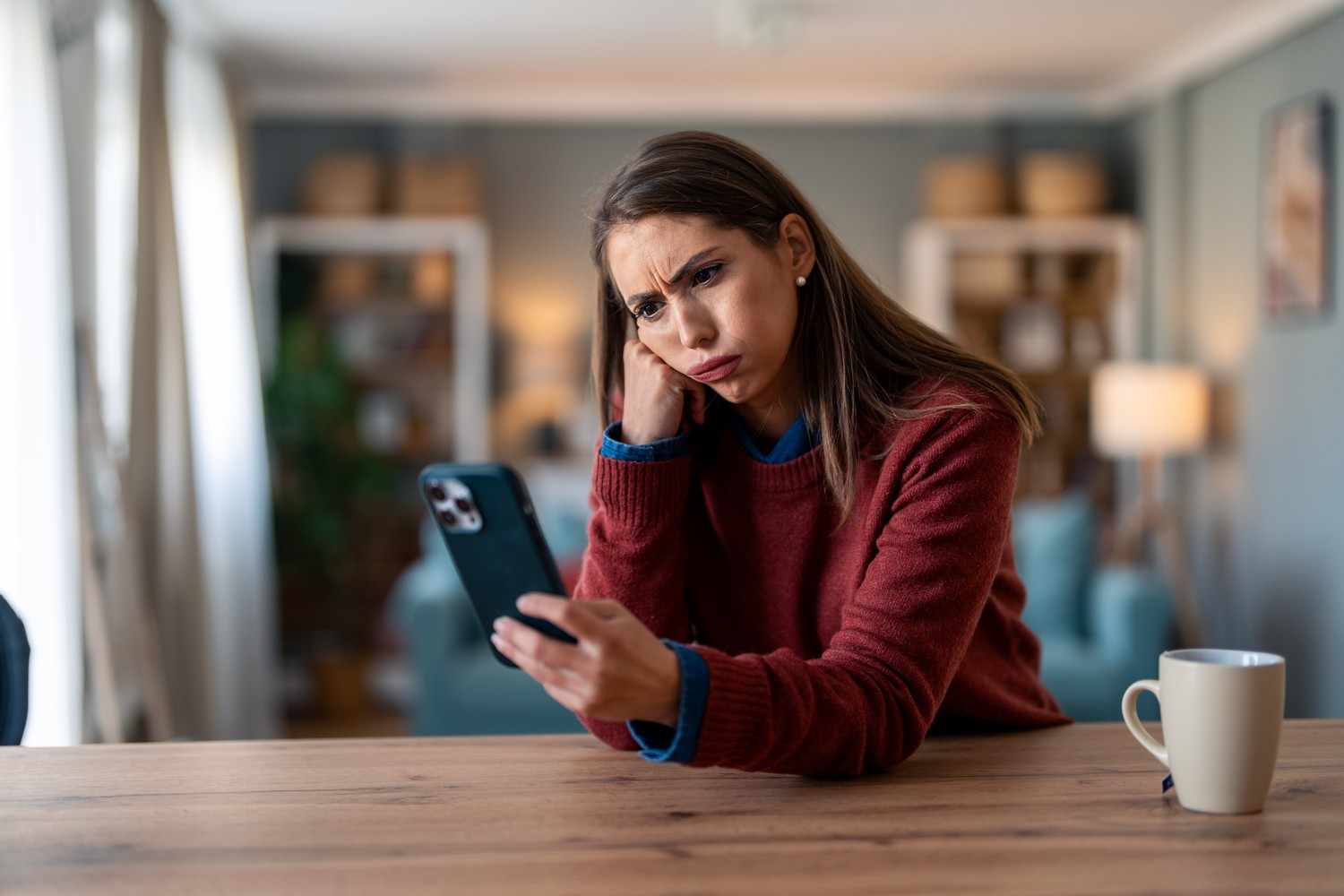
Fraudsters don’t just try to get hold of card details. They also want to trick their victims into carrying out an additional security check on their behalf. To do this, they use various tricks – from fake messages to repeated authorisation requests.
There are three typical scams you should be aware of:
Alleged security check: Someone calls you pretending to be from your bank’s customer service and claims that a suspicious payment needs to be stopped. To do this, they ask you to confirm authorisation or provide a code. In reality, this could enable the criminals to make a payment.
Fake payment confirmation: A text message or email asks you to enter a security code on a linked website. The site looks trustworthy, but it belongs to fraudsters.
Repeated authorisation requests: Your smartphone displays several payment requests in quick succession. The fraudsters are hoping that, at some point, you’ll become annoyed or inattentive and confirm one of them.
The danger here is that even a genuine security message can be part of a scam. The code or payment authorisation may well actually come from your bank – but you did not initiate the transaction yourself.
Not every attempt at fraud is immediately obvious. Often, it is small details that give away that something is amiss. The following overview shows when you should be particularly cautious.
Exercise caution if you notice these warning signs:
Unfamiliar payment request: You receive a request to authorise a payment even though you haven’t made a purchase.
Incorrect amount or merchant: The payment details shown do not match your order.
Security code requested: Someone asks you over the phone, by text message or via chat to provide a confirmation code.
Pressure and threats: You are told you must act immediately, otherwise your card will be blocked or your money is at risk.
Even a familiar phone number is no guarantee that the call is genuine. Criminals can spoof phone numbers and pose as bank staff. End any suspicious calls and ring your bank back yourself using the official phone number.
Never install remote access software such as AnyDesk or TeamViewer simply because someone on the phone claims to work for your bank. This could allow unauthorised persons to gain access to your device.
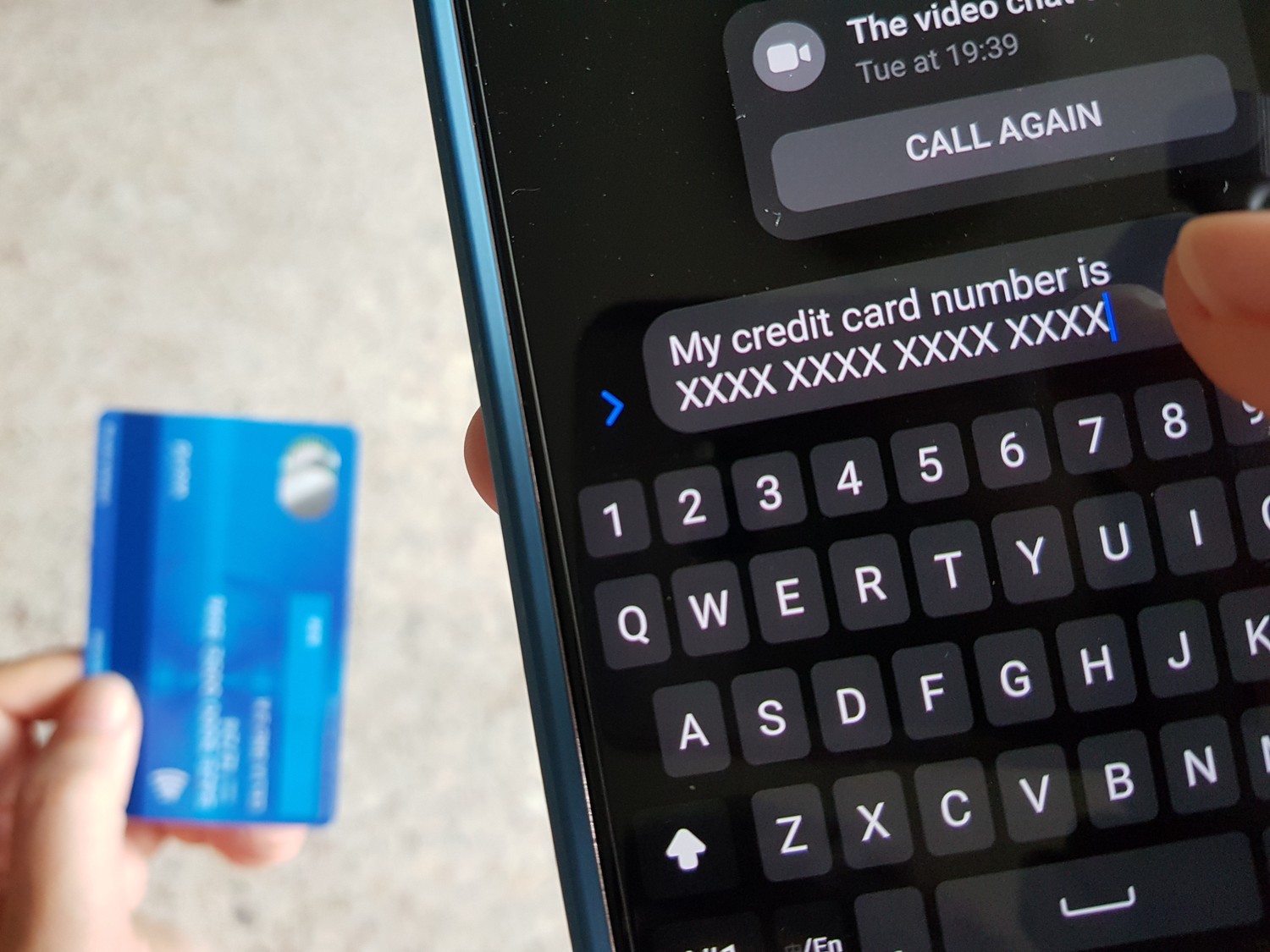
If you receive a suspicious payment request, it’s important to respond correctly. Don’t confirm anything hastily and check the details before taking any further action.
Here’s how to respond correctly:
Reject the payment authorisation: Do not confirm any request that you did not initiate yourself.
Keep your security code to yourself: Never share codes you’ve received unsolicited, and do not enter them on linked websites.
Open the Swiss Bankers app yourself: Check your card transactions directly in the app, rather than following links from suspicious messages.
Secure your card if you suspect fraud: Use the ‘Replace card’ function in the Swiss Bankers app under ‘Card settings & PIN’. This will block your current card and initiate the replacement process.
Contact Swiss Bankers if you suspect fraud:
Telephone: +41 31 710 12 15
Card blocking by telephone: daily from 08.00 to 22.00
Online: Swiss Bankers Customer Service
You can block your card at any time via the Swiss Bankers app.
Even if you have declined a suspicious transaction, your card details may already be in the wrong hands. You should therefore take action, particularly if there are repeated unauthorised payments.
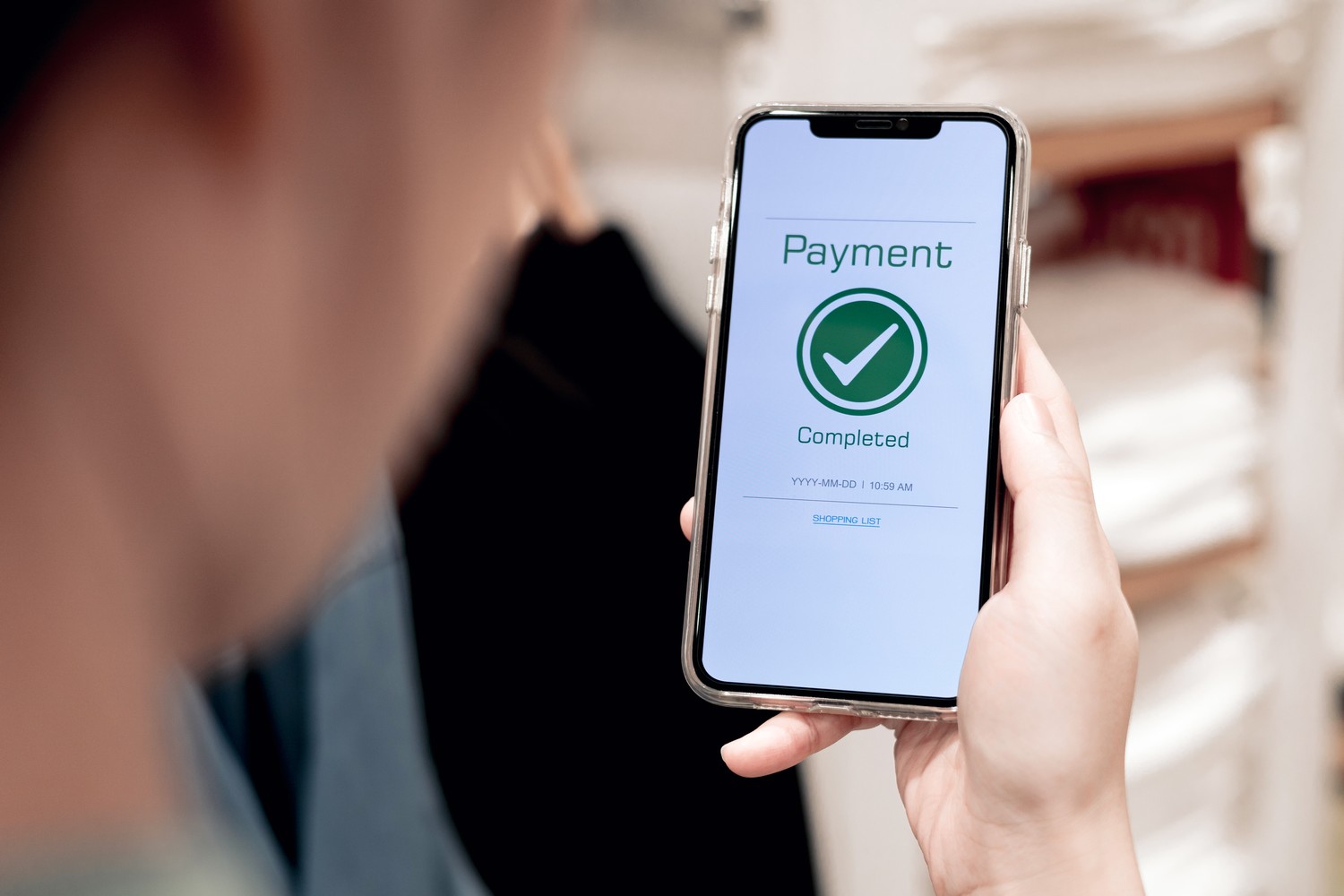
One wrong click, a security code shared with someone else – and suddenly you realise you’ve fallen victim to a scam. Now you need to act quickly to prevent further damage.
You should take the following steps immediately:
Secure your card: Block or replace your Swiss Bankers card via the app, as described in section 4. If this isn’t possible, contact customer services straight away.
Report the attempted fraud: Inform Swiss Bankers of what has happened. Let them know whether you have shared a security code, disclosed card details or authorised a payment made by someone else.
Check your card transactions: Check for any unknown debits or reservations. You can report suspicious charges using the dispute form.
Change your passwords: If you have also shared your login details, change them immediately via the official website or app of the service in question.
Did fraudsters gain access to your device? If you have installed remote support software such as AnyDesk or TeamViewer and granted access, disconnect the connection. Uninstall the software and have your device checked by a professional. Change any affected passwords using a trusted device.
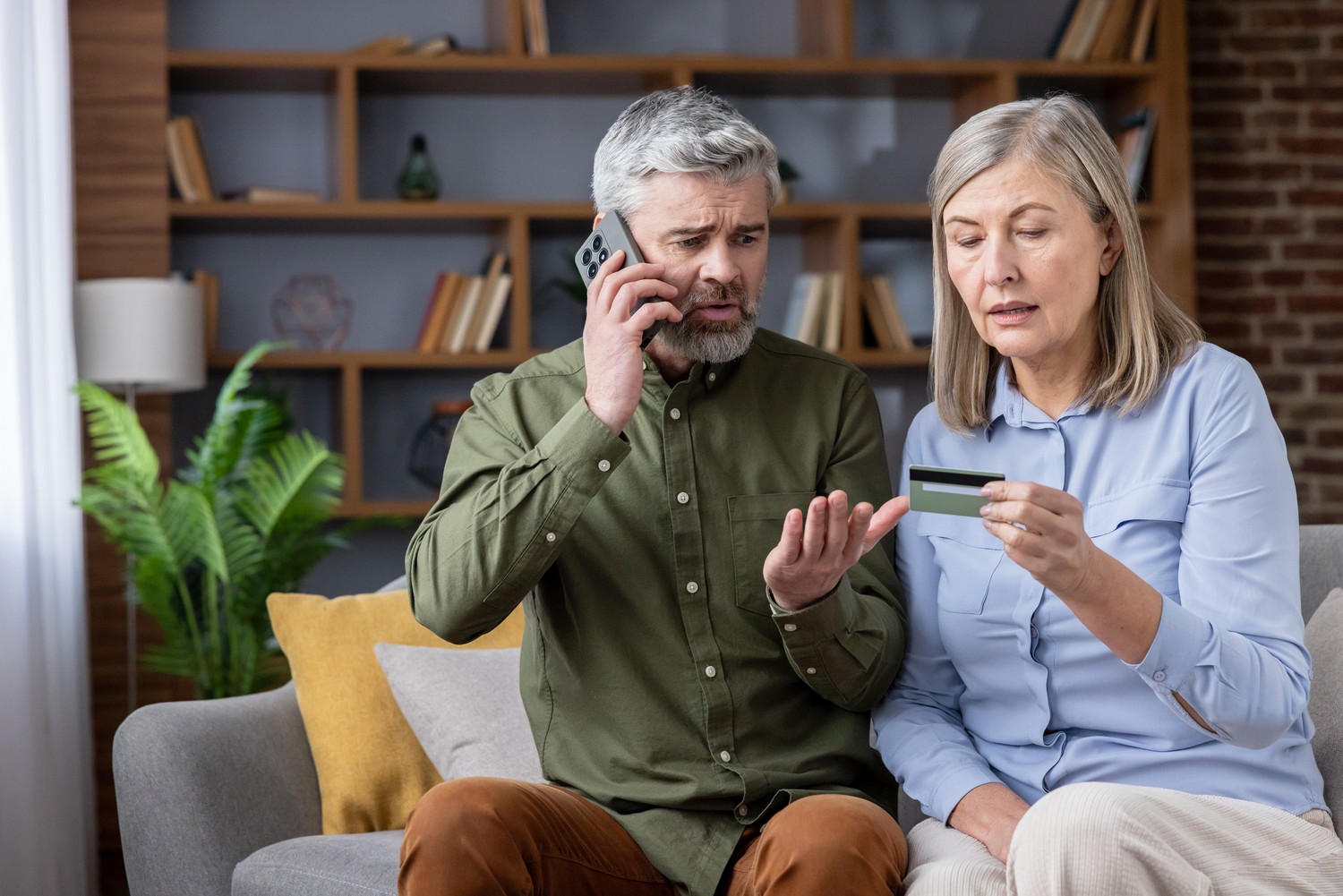
3D Secure provides additional protection for your online payments. However, fraudsters try to circumvent this protection. You should therefore check every payment authorisation carefully and cancel the transaction if any details seem suspicious.
Remember: never share security codes with anyone and only confirm payments that you have initiated yourself.

© Swiss Bankers 2026


 Compare cards and conditions

